Choosing program
There is a variety of online RSS readers, but many projects stop upgrading. FreshRSS is a project based on PHP which updates recently. But I donnot want to use PHP, so I choose to use Miniflux which is based on Golang.
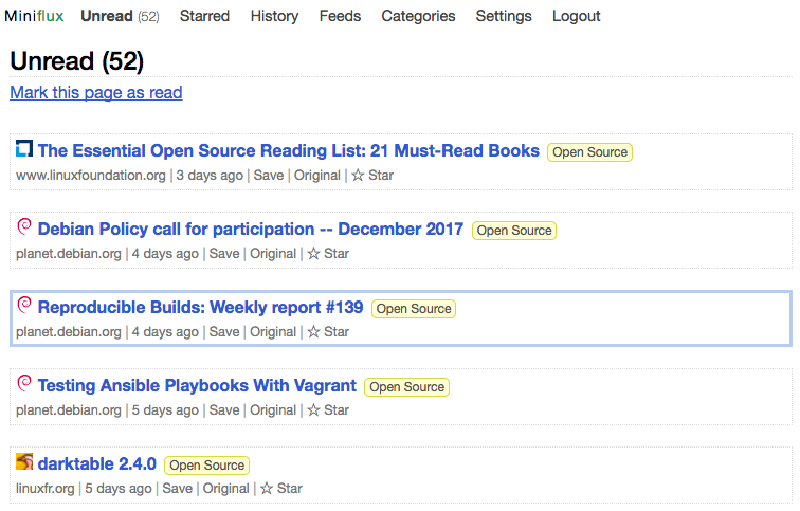
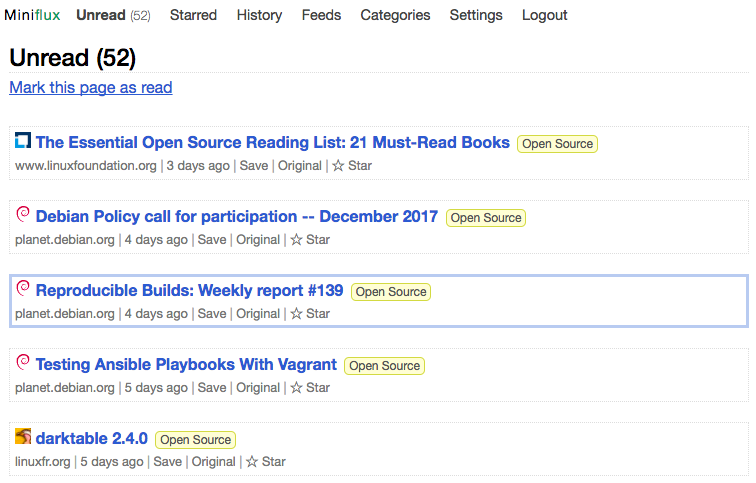
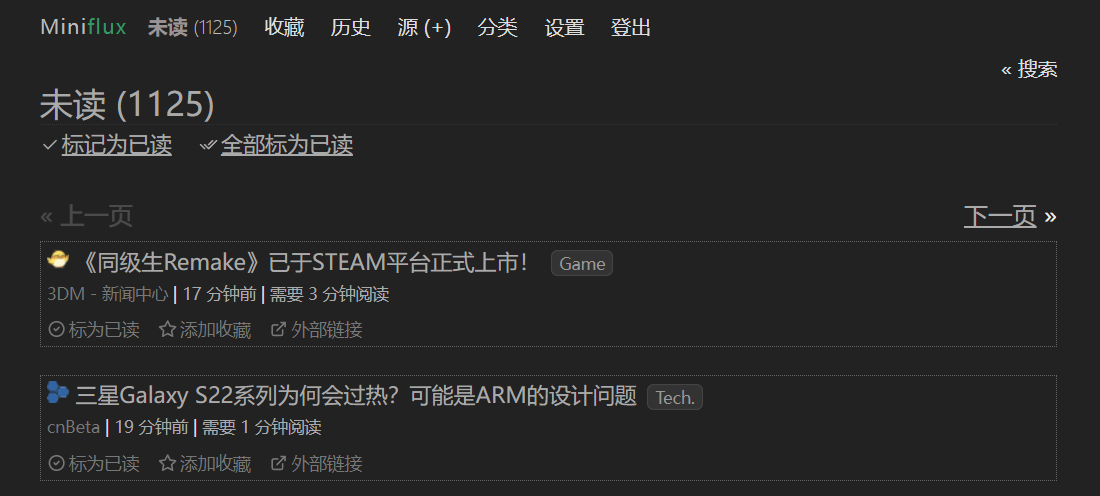
Screenshots
Start from zero
I am noob of Linux. So I checked the instruction step by step and searched for info from Google. You can also check Installation Instructions of Miniflux directly.
Main steps:
- Install Postgresql
- Configure database
- Install Miniflux
- Configure Miniflux
Install Postgresql
Make sure u can use sudo before installation.
|
|
After installation,PostgreSQL service will automatically start up.
Configure database
During installation of PostgreSQL, it will create user postgres. The user is the SUPERUSER of PostgreSQL, which is equivalent of root of MySQL.
- The we need to use
postgresto log in the database
|
|
-
Create an account for miniflux
createuser -P miniflux -
Filling password Create a database for user
minifluxcreatedb -O miniflux miniflux2 -
Create hstore extension
|
|
- Since hstore needs
SUPERUSERprivilege,we need to give the privilege tominifluxbefore run the migration, and remove it after migration.
|
|
Download miniflux
For some reasons, I cannot use docker, so I choose manual installation here.
Precompiled binary is provided, so it’s EZ to install.
- Download it on ur server.
|
|
- I choose to put it in
/usr/local/bin, and make the file executable
|
|
- Migrate database If u don’t set the database as above, u should set the directory of database before migration.
|
|
Database Connection Parameters
Miniflux uses the Golang library pq to communicate with PostgreSQL. The list of connection parameters are available on this page.
The default value for DATABASE_URL is user=postgres password=postgres dbname=miniflux2 sslmode=disable.
You could also use the URL format postgres://postgres:postgres@localhost/miniflux2?sslmode=disable.
Password that contains special characters like ^ might be rejected since Miniflux 2.0.3. Golang v1.10 is now validating the password and will return this error:
net/url: invalid userinfo. To avoid this issue, do not use the URL format forDATABASE_URLor make sure the password is URL encoded.
- Make sure the connection is well configured and execute:
|
|
- If shell warns:
password authentication failed for user “postgres”, we can:
- Open
/etc/postgresql/11/main/pg_hba.conf - Edit the method, turn
md5totrustand then save.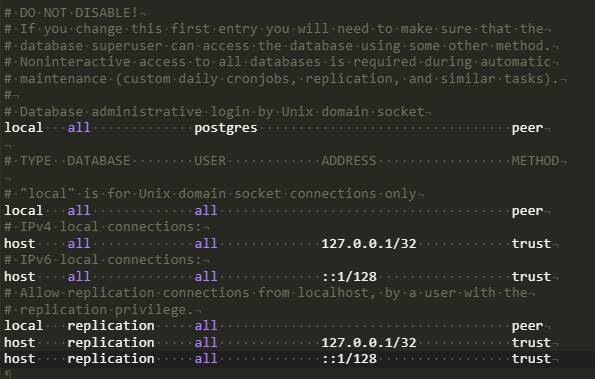
- Create admin user
|
|
Then u can run miniflux with command miniflux, but I recommand to create a configuration file fisrt, so miniflux can be configured according to the file. Otherwise it is thorny to change the environmental variable one by one.
|
|
It will output all te parameters,and copy all of them. Create a file in /etc called miniflux.conf and paste in the file. So you can change the configuration in the file. Details of Configuration Parameters can be looked up here.
- Start up Miniflux with configuration file
|
|
💡Mention
- You should configure a process manager like systemd or supervisord to supervise the Miniflux daemon.
- Miniflux is deployed on port 8080 by default. If you would like to run it on port 80 or 443, you can use Reverse-Proxy or other methods which are all illustrated in How to’s✍ here.
- More information can be checked in official document:🔗Link
Settings in user interface
- Use the admin account created before to log in. You can change languages, time zone, theme, create new users, configure FeverAPI…
- You can import feeds by entring url each time or use opml file to import.
- There are many projects of Miniflux in Github 🔗Link
Reference
Miniflux Document how-to-install-postgresql-on-ubuntu-18-04(in Chinese) Postgresql error(in Chinese)